Select your industry. Progress from need to solution.
Choose up to three priorities. View your tailored solution with rationale, data requirements, and sample demo.
Recommended solution package
Assets + Safety & Emergency
Monitor your field equipment on a single platform. Manage assets more efficiently with live location, availability, and movement history.
There is currently no pre-bundled starter package for this specific configuration. You can explore all compatible modules directly on Solution Market or request a custom pilot.
Starting scope
- • Starting area: Production Line and Raw Material Warehouse (1–2 critical zones)
- • Recommended modules: Map Studio (3D Map), Assets, Safety & Emergency
- • Rapid start with phased pilot deployment and on-site validation
Why this recommendation?
- • Your searching for molds, wip, and tools need: Searching for equipment and materials between production lines causes downtime. Real-time visibility and rapid coordination are enabled on-site with the Assets module.
- • Your hazardous zone and hse breaches need: We want to detect unauthorized entries and emergencies immediately. Real-time visibility and rapid coordination are enabled on-site with the Assets module.
- • Fastest-to-deploy module combination for Manufacturing facilities.
Live sample screen (no sign-up)
Manufacturing facility 3D layer preview
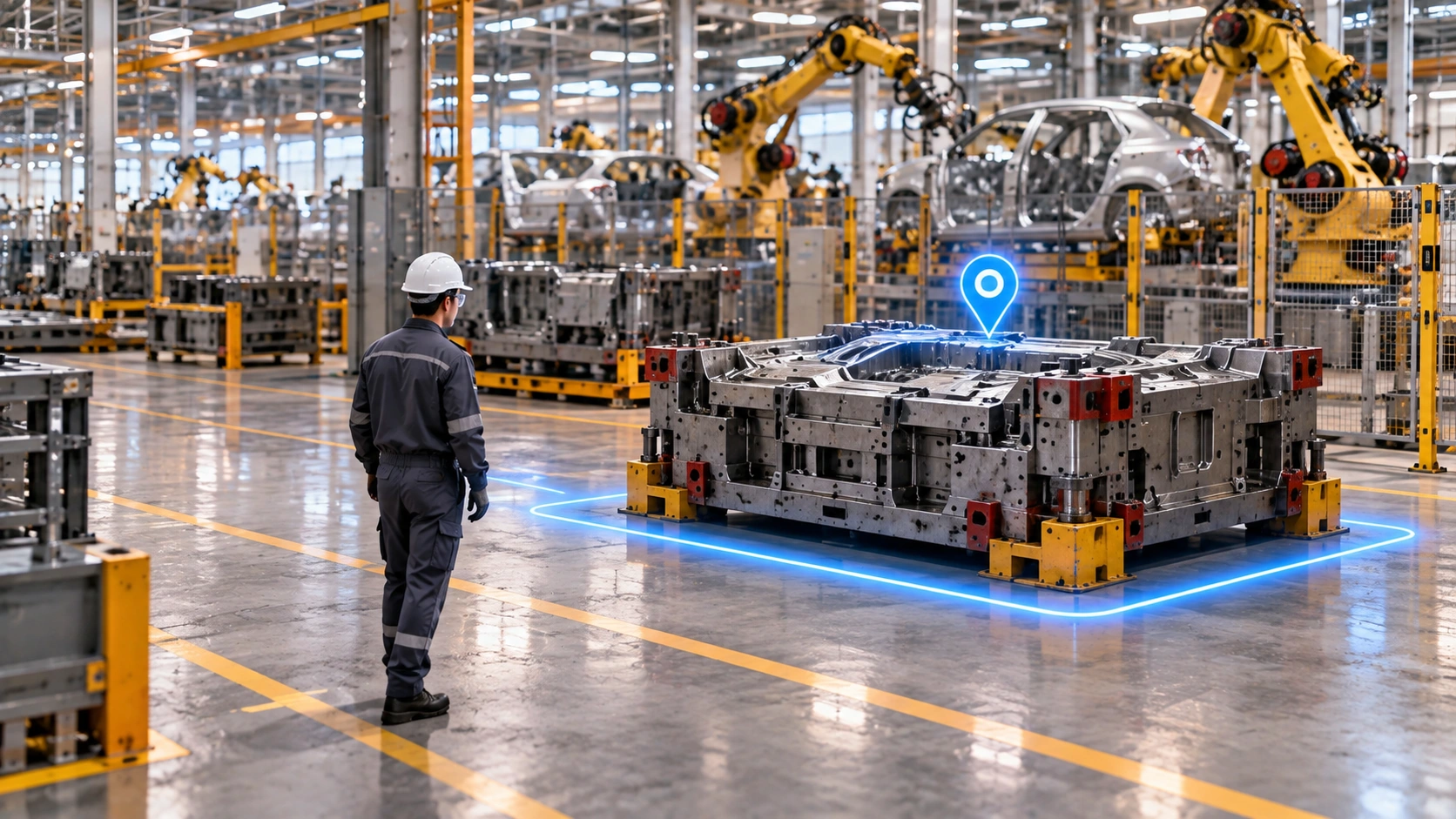
Sample demo. Not a measured result of your own facility.
Sahanız için ilk adımı belirleyelim
Bir hat veya destek alanını seçin. Öncelikli kullanım durumunu, veri kaynağını ve değerlendirme ölçütünü belirleyip kapsamı sahada doğrulayın.
Email is not required to view your recommendation; it is only used to save your plan or request a quote.
Need a custom application for your workflow?
Select “Custom workflow application”. Share your industry, user roles, and operational steps; explore the Builder prototype on web and mobile.
Which task should we simplify with mobile apps?
Choose wayfinding, route optimization, maintenance inspection, headcounts, emergency coordination, booth analytics, or offline roll-call.
From recommendation to starting plan
Enrich your recommendation by adding facility zones and existing infrastructure. Request your plan by email or review with an expert.
You are in control
Compare different solutions by changing your sector or priority needs. Previous selections are preserved when you return.
Manufacturing ve Çözüm Danışmanı Sık Sorulan Sorular
Which manufacturing environments are supported?
Assembly lines, heavy industry, automotive, textile, and food plants—engineered for metal-dense environments.
How are role permissions managed?
Production, maintenance, and HSE teams view their own zones and alerts based on role permissions.
Do I have to share my info immediately?
No. You can view solution recommendations and explore the sample demo before filling out any contact form.
Is the recommendation a final project scope?
The recommendation is a starting point. Pilot scope is formalized after reviewing facility conditions, data quality, and device compatibility.